

Sale!

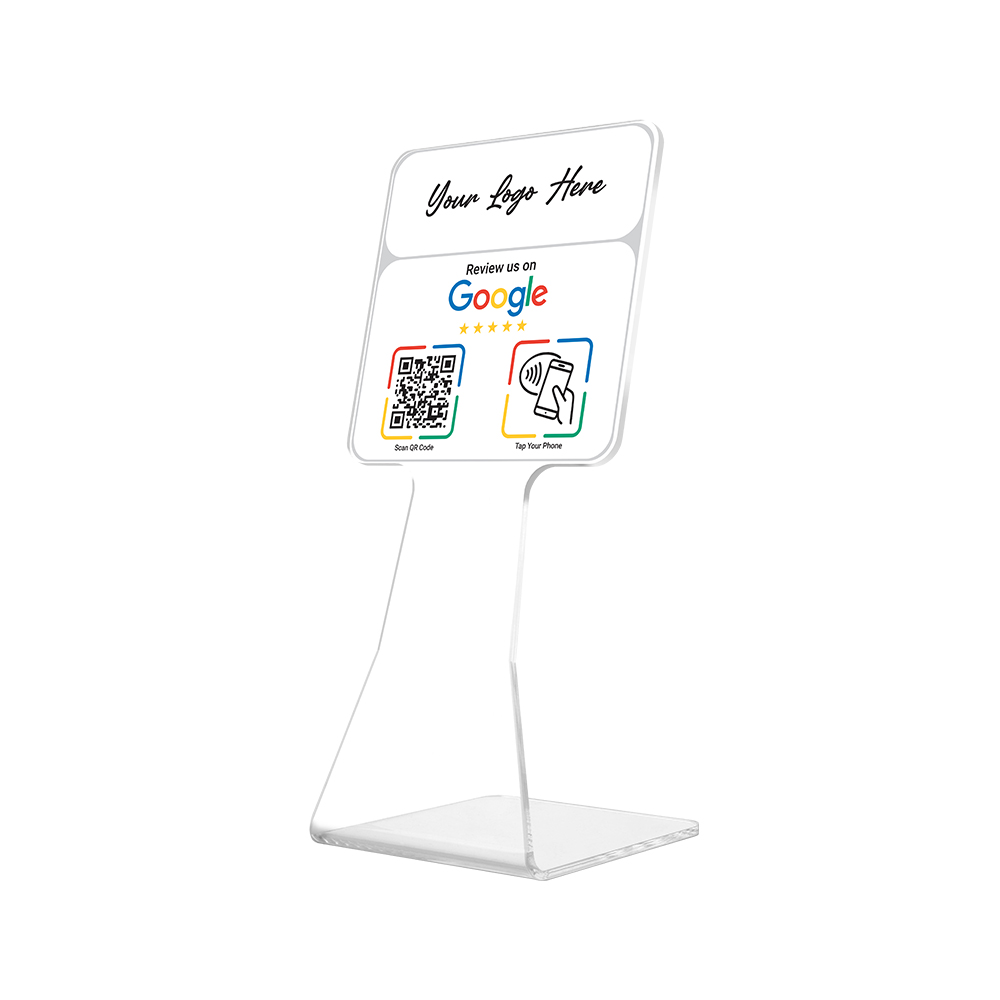
Premium Branded Perspex “Review Us on Google” NFC Chip & QR Code Stand
Original price was: R499.00.R449.00Current price is: R449.00. Incl. VAT
Get clients to review your business by scanning the QR code or tapping the NFC chip with their phone.
Step 1: Simply scan the QR code or tap your phone on the NFC icon with your phone.
Step 2: You will be redirected to the Google review page.
Step 3: Write your review and submit.
Additional Information
Clear Perspex stand with QR code & NFC chip
Custom Branded with your Company Logo
NFC Chip & QR code links to your Company Google Review page
Size: 25cm (h) x 10cm (w) x 10cm (d)
Materials: 4mm Clear Perspex, White or Black Printed Vinyl Label
How to find or set up your Google Review link
To set up Google reviews for your business, you need to first claim or create a Google My Business profile.
In Google Search type the name of your business and press Enter.
Your business listing should pop up on Google’s search results, with a map and contact info.
Ensure the profile belongs to your business, by checking if the contact and address details are correct.
Then access your business listing, and find the “Manage Reviews” section to generate a unique Google review link.
Copy this link and add it in the field provided.
For more detailed instructions view our FAQ’s Page
Related products
-
Sale!
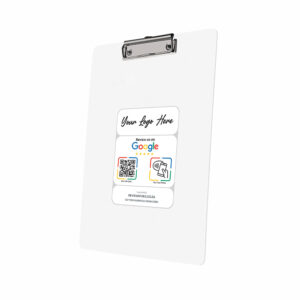
Branded PVC “Review Us on Google” QR Code & NFC Code Clipboard
Original price was: R525.00.R475.00Current price is: R475.00. Incl. VAT Select options This product has multiple variants. The options may be chosen on the product page -
Sale!
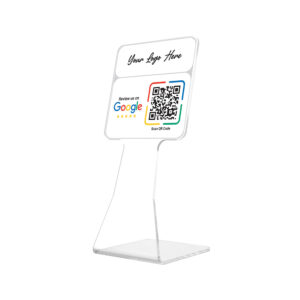
Premium Branded Perspex “Review Us on Google” QR Code Stand
Original price was: R449.00.R399.00Current price is: R399.00. Incl. VAT Select options This product has multiple variants. The options may be chosen on the product page -
Sale!
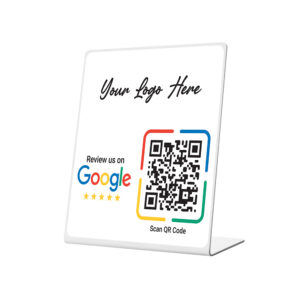
Standard Branded Perspex “Review Us on Google” QR Code Stand
Original price was: R299.00.R249.00Current price is: R249.00. Incl. VAT Select options This product has multiple variants. The options may be chosen on the product page -
Sale!
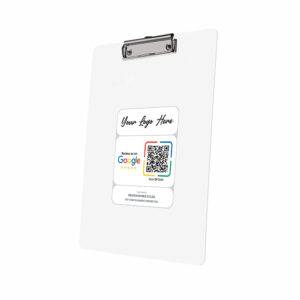
Branded PVC “Review Us on Google” QR Code Clipboard
Original price was: R475.00.R425.00Current price is: R425.00. Incl. VAT Select options This product has multiple variants. The options may be chosen on the product page